Summer in the Triangle feels like wearing a warm, wet blanket. At Alternative Aire, we know comfort requires more than just cold air. In my 10+ years serving the area, I’ve seen humidity make 75°F feel like 80°F, so temperature alone is not the full story
For the best balance of comfort and savings, the Department of Energy (DOE) and Energy Star recommend setting your thermostat to 78°F when home, 82°F when sleeping, and 85°F when away. This guide breaks down these strategies, explains why humidity control matters more than temperature here, and covers the maintenance tips that keep bills low. We will help you master the daily settings that balance efficiency with true relief from the heat.

Key Takeaways
|
Best Air Conditioner Setting for Summer
The ideal summer setting is 78°F when you are home, 85°F when you are away, and 82°F for sleeping. Finding this balance is critical because it keeps you comfortable without letting your monthly energy bill spike. Here is exactly how to handle your schedule.
During Daytime
Aim for 78°F when you are active inside the house. This is the DOE-recommended thermostat setting for maximizing savings. In many homes, raising the thermostat from 72°F to 78°F can save around 10-15% on cooling costs.
If you have good humidity control, a 78°F thermostat setting feels pleasant because the air is dry. If that feels too warm for your family, aim for the 75°F to 78°F thermostat range.
We call this the sweet spot thermostat zone. It finds a comfortable balance between feeling good and lowering cooling costs.
At Night
Set your thermostat to 82°F and turn on a ceiling fan for the best energy savings. The National Library of Medicine notes that a cooler environment helps you sleep better.
Moreover, ceiling fan use with AC improves air circulation and creates a wind chill that makes 82°F feel like 78°F. This air movement evaporates sweat and makes you feel cooler. If you need it colder for deep rest, try 75°F. Just remember that every degree lower increases energy consumption.
When Away
Set your thermostat to 85°F whenever the house is empty for more than 4 hours. This setback temperature is safe for your furniture and pets. It keeps the humidity levels in check without wasting money on cooling an empty space. A consistent 7 to 10 degree setback is a smart strategy that saves money.
When On Vacation
Hold your temperature at 85°F while you are gone, but never turn the system off completely.
Turning it off allows moisture to build up. I have seen mold growth and wood damage from days of the AC turned off. Humidity makes it feel warmer when you return and makes the AC work harder to recover. Using a vacation thermostat setting of 85°F prevents this moisture buildup while keeping electricity bills low.

Settings for Heat Pumps
Heat pumps follow the same temperature rules as air conditioners, but it’s best to just leave the temperature there instead of changing it again and again.
This consistency is crucial. When homeowners debate heat pump versus AC for summer cooling, the conversation often settles on how the system runs. If you constantly change the temperature, you may trigger the backup heat strips, which can double your electricity usage during hot spells.
A heat pump loves a steady pace. If you try to cool the house down too fast, the system might turn on backup heating strips. That uses a lot of electricity.
Your equipment type matters too. Variable-speed vs two-stage AC is the debate here. If you have a variable speed system, let it run long cycles. Usually, variable speed units pull more moisture from the air. This specific heat pump cooling mode keeps the air drier, so you feel cooler at higher temperatures.
Ideal Temperature for Different Rooms
Bedrooms should be kept between 65°F and 72°F for sleep (according to sleep experts), while living areas work best at 78°F. Not every room needs the same cooling power. You can adjust things based on how you use the house.
- Bedrooms: We sleep better when it is cool. A solid bedroom cooling strategy aims for a cooler range between 65°F and 72°F at night. You can close vents in unused guest rooms to push air where you sleep.
- Living Areas: These spaces can handle the recommended thermostat setting for summer of 78°F. You are often moving around, so a slightly warmer temperature feels fine.
- Kitchen: While the target is often 75°F, the oven adds a lot of heat gain. Using the exhaust fan helps remove that heat, so your AC does not have to fight it.
Here is a quick guide to setting temperatures room by room:
| Room | Ideal Temperature Range |
| Living Room | 75°F – 78°F |
| Bedroom | 65°F – 72°F |
| Kitchen | 73°F – 76°F |
| Bathroom | 75°F – 78°F |
| Unused Rooms | 80°F – 85°F |
Tricks for Energy Saving
You can lower your bill without touching the dial by using fans and smart schedules. I have seen these tricks work for years to help homeowners save money.
- Use Fans: Fans cool people, not rooms. Turn them off when you leave the room.
- Smart Schedules: A Wi-Fi thermostat or apps like the Carrier SmartHome App or Bryant SmartHome App let you set smart thermostat schedules.
- Understand Efficiency: It is essential to know how the SEER2 rating affects your energy bills. Higher SEER2 (Seasonal Energy Efficiency Ratio 2, the updated version of SEER) means higher efficiency. These units cost less to run, even in the hottest months.
Supplemental Cooling Strategies
Boost your system’s power by installing whole-home dehumidifiers and advanced filters directly into your ductwork. Sometimes the AC alone cannot handle the Triangle’s moisture. This is where I focus on thermostat settings that improve humidity control in summer. With the right equipment, you can actually set the temperature higher and feel cooler.
- Dehumidifier use with AC significantly lowers the latent load, which is the technical term for the energy required to remove moisture. Because dry air evaporates sweat faster, it allows you to set the thermostat higher while maintaining comfort.
- Use air conditioner add-ons to boost your home comfort. Unlike portable units, these integrated systems scrub pollutants and extract moisture from every room in the house automatically before the air ever reaches your vents.
Special Consideration While Setting the Temperature

Adjust your settings to 72°F–74°F for children and keep it near 78°F for the elderly. Some family members need extra care, and you have to adjust for them.
- Infants and Kids: They do not handle heat well. A range of 72°F to 74°F is often safer for them.
- Elderly: Older adults may feel cold easily. They might prefer a 78°F thermostat setting or even warmer.
- Sick Family Members: Illness can cause chills. Adjust the indoor comfort level to what helps them rest and get better.
Passive Cooling
Stop the heat before it gets inside by sealing leaks and covering windows. This reduces the work your AC has to do and extends the life of your unit.
- Seal Leaks: Air leaks around windows and doors let cool air out. Use silicone caulk and weatherstripping to fix them. Duct sealing is also critical to prevent air loss in the attic.
- Windows: Solar heat gain is huge in the South. Close blinds and curtains or use window coverings for heat reduction. Tinting windows also helps a lot.
- Insulation: Check your attic insulation. Good insulation R-value keeps the attic heat away from your living space.
Maintenance and Efficiency
Change your filter every 1 to 3 months and schedule an annual tune-up to keep your system running. A neglected machine works harder and costs more to run.
- Filters: Replace air filter every 1 to 3 months. A dirty filter restricts airflow and hurts the blower motor.
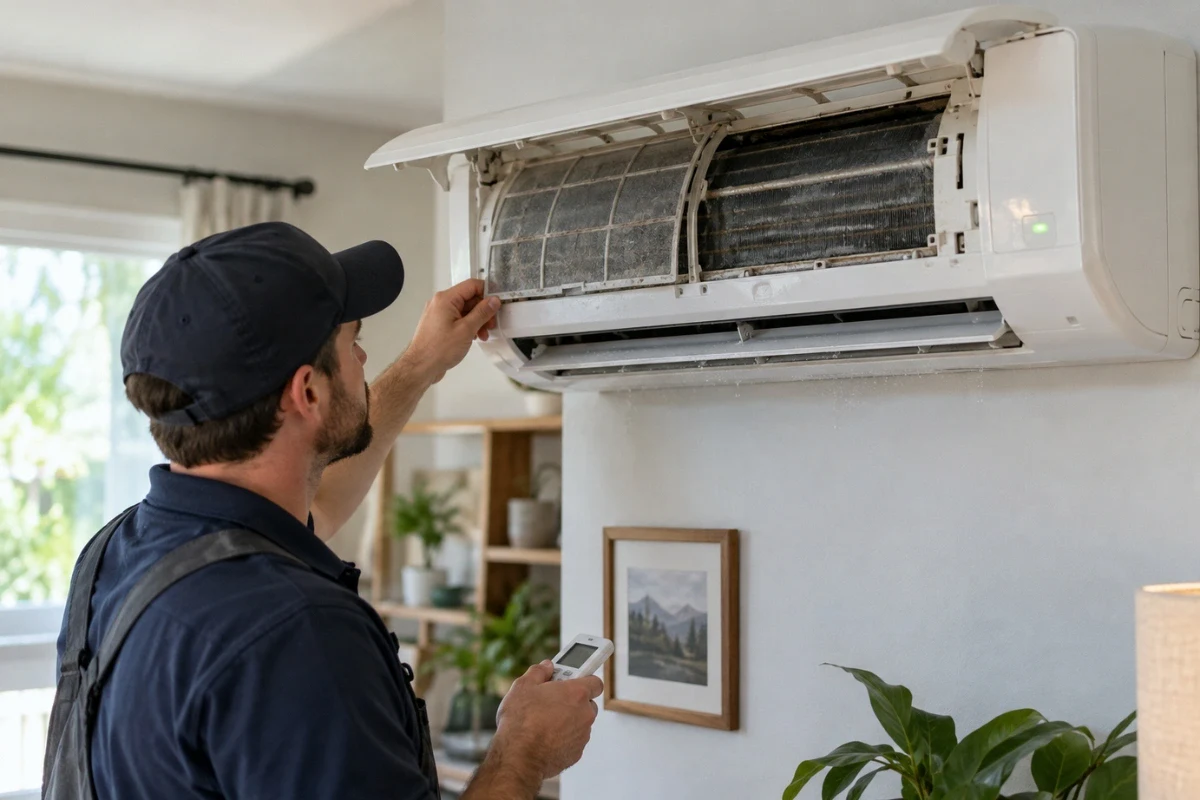
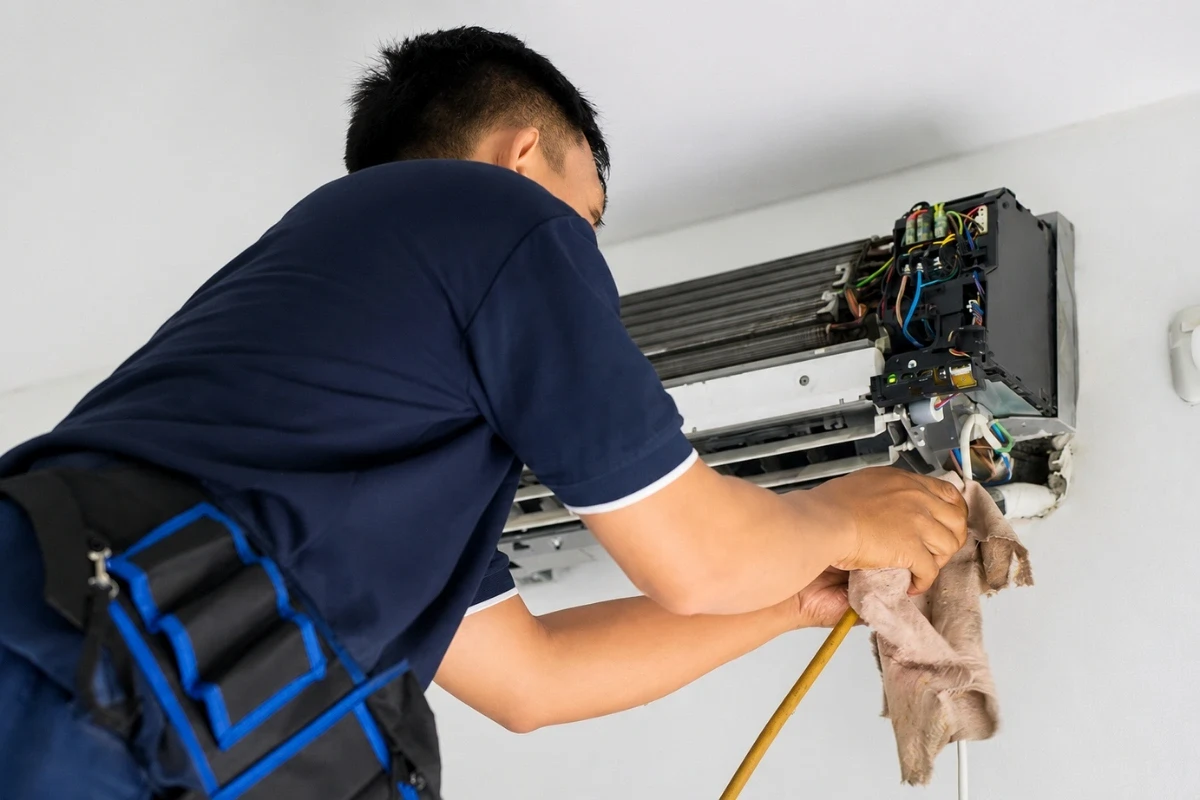
- Tune-Ups: Get an annual AC tune-up. Techs check static pressure and clean the condenser coil.
- System Knowledge: Homeowners often ask what the SEER rating is and how it impacts HVAC performance. SEER rating is an efficiency-indicating rating. A higher rating significantly lowers your monthly operating costs while keeping your home comfortable. Knowing this helps you see the value in keeping your unit running at peak efficiency.
Don’t Forget Your SEER2 Rating
In the Triangle, we recommend looking for 15 SEER2 or higher when people ask us what’s considered a “good” SEER2 rating.
The federal minimum is still 14.3. However, we recommend a slightly higher number. Going higher handles our extreme humidity better and lowers your bills over time.
Is High SEER2 Worth It In NC?
Yes, absolutely. Because a high-efficiency unit saves significantly more money in warmer places like Durham than in cooler ones. The goal is always to balance that upfront equipment cost with your lower monthly bills.
Myth Busting
Setting your AC lower does not cool your house faster, and turning it off daily actually costs more. Finding the ideal summer air conditioner temperature and setting is about balance. Let’s clear up some confusion I hear all the time; I hear these myths every summer from homeowners:
- Myth: “Setting the AC to 60°F cools the house faster.”
- Fact: No. An AC runs at one speed. This constant rate cooling myth just wastes power.
- Myth: “Turn the AC off when you leave.”
- Fact: In Durham, this lets humidity build up. It takes hours of recovery time to fix. Use a setback instead.
- Myth: “Fans cool the room.”
- Fact: Fans only cool people by evaporating sweat.
Final Thoughts
Beating the Triangle heat is about strategy, not just raw power. When you focus on removing humidity rather than just lowering the temperature, you get a home that feels better and costs less to run.
Stick to the recommended settings, keep your filter clean, and seal up those drafts. You will find that staying comfortable is actually easier and cheaper than you thought.
Frequently Asked Questions (FAQs)
- How do I reduce humidity without overcooling?
You can use a standalone dehumidifier or a whole-home unit. This removes moisture without lowering the temperature, making the room feel comfortable at a higher setpoint.
- How do I know if my AC is oversized or undersized?
AC sizing affects comfort directly. If your undersized AC runs constantly but never cools the house, it is too small. If your oversized AC short cycling happens (on and off every 10 minutes), it is too big and won’t dry the air.
- Does setting the AC lower cool the house faster?
No. Your air conditioner removes heat at a constant rate. Setting it lower just makes the unit run longer, increasing your electricity bill without speeding up the process.
- What is the recommended AC temperature in Celsius?
The DOE recommendation of 78°F converts to approximately 26°C. For sleeping, 82°F is about 28°C.
- Will a smart thermostat lower my cooling bill?
Yes. A smart thermostat learns your schedule and adjusts the temperature automatically when you are away. This prevents cooling an empty house and can save you significant money. Also, utilizing zoning for cooling can further reduce costs by only conditioning occupied rooms.